
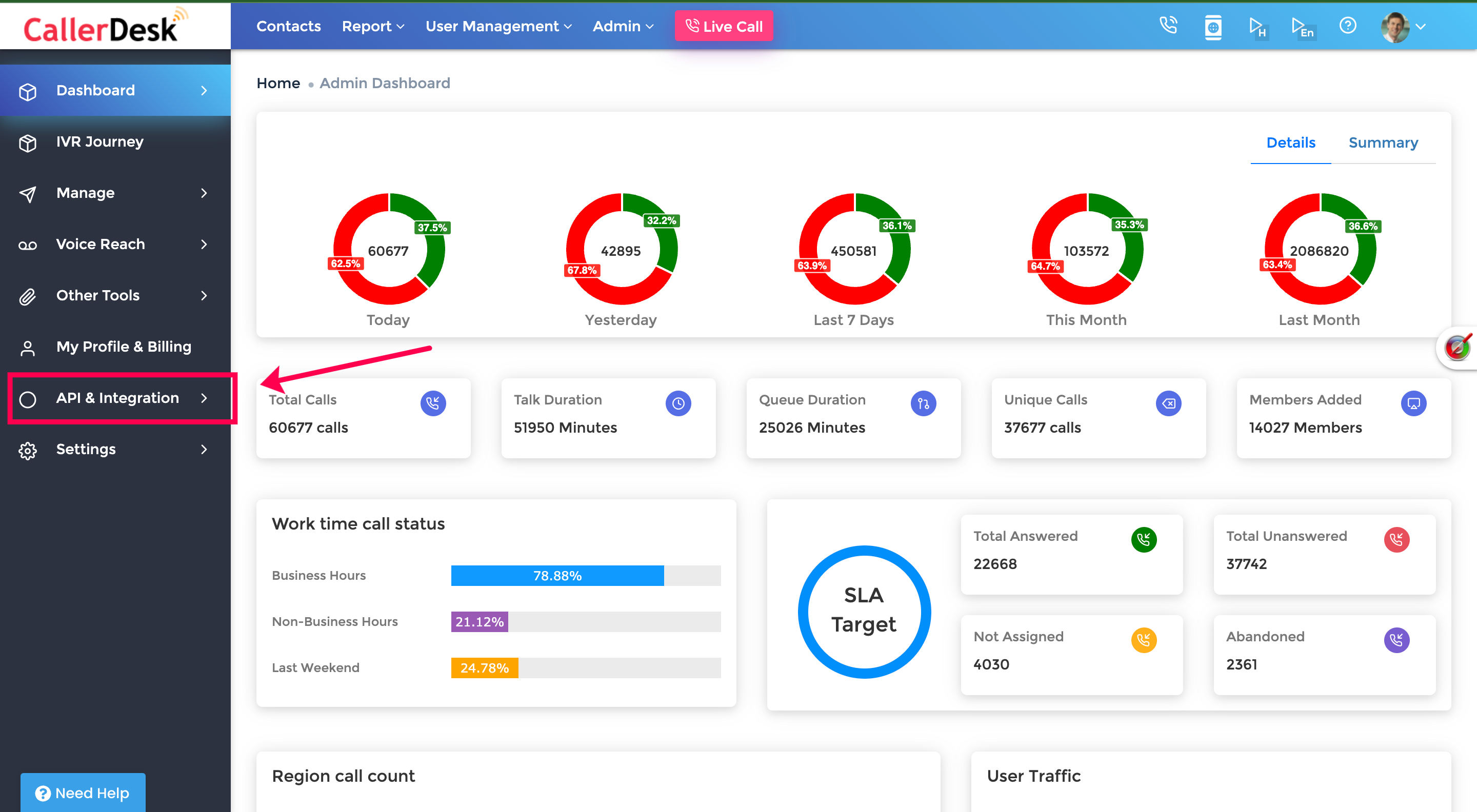
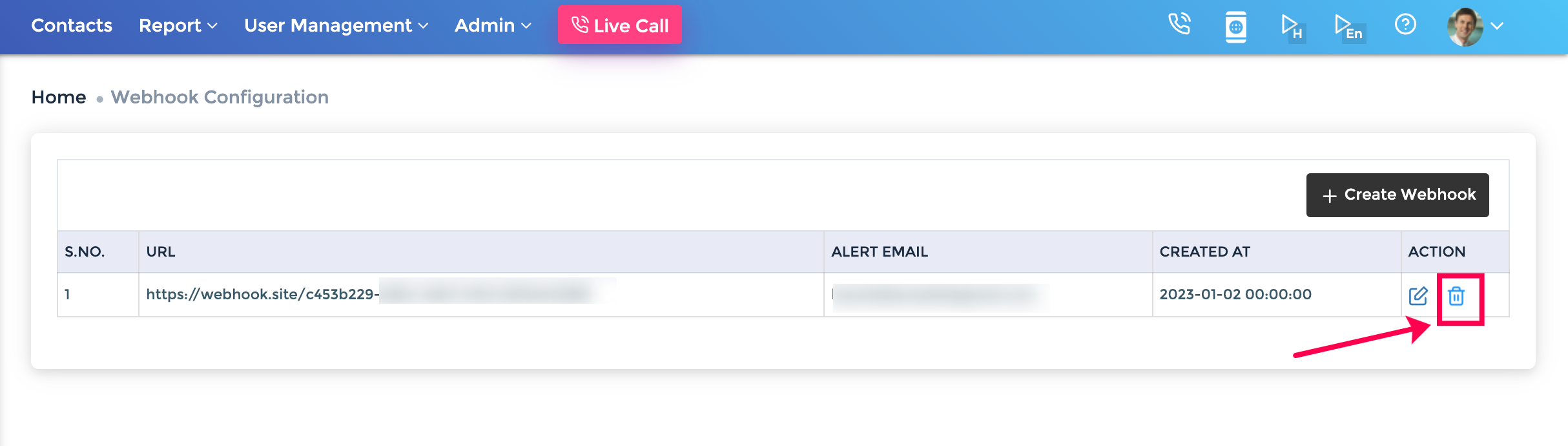
You can delete the webhook URL, the alert email, and remove events instantly. To delete webhooks:
Updated 24 Apr 2023 Did this page help you?
Previous
Edit Webhook
Next
Test API via Postman